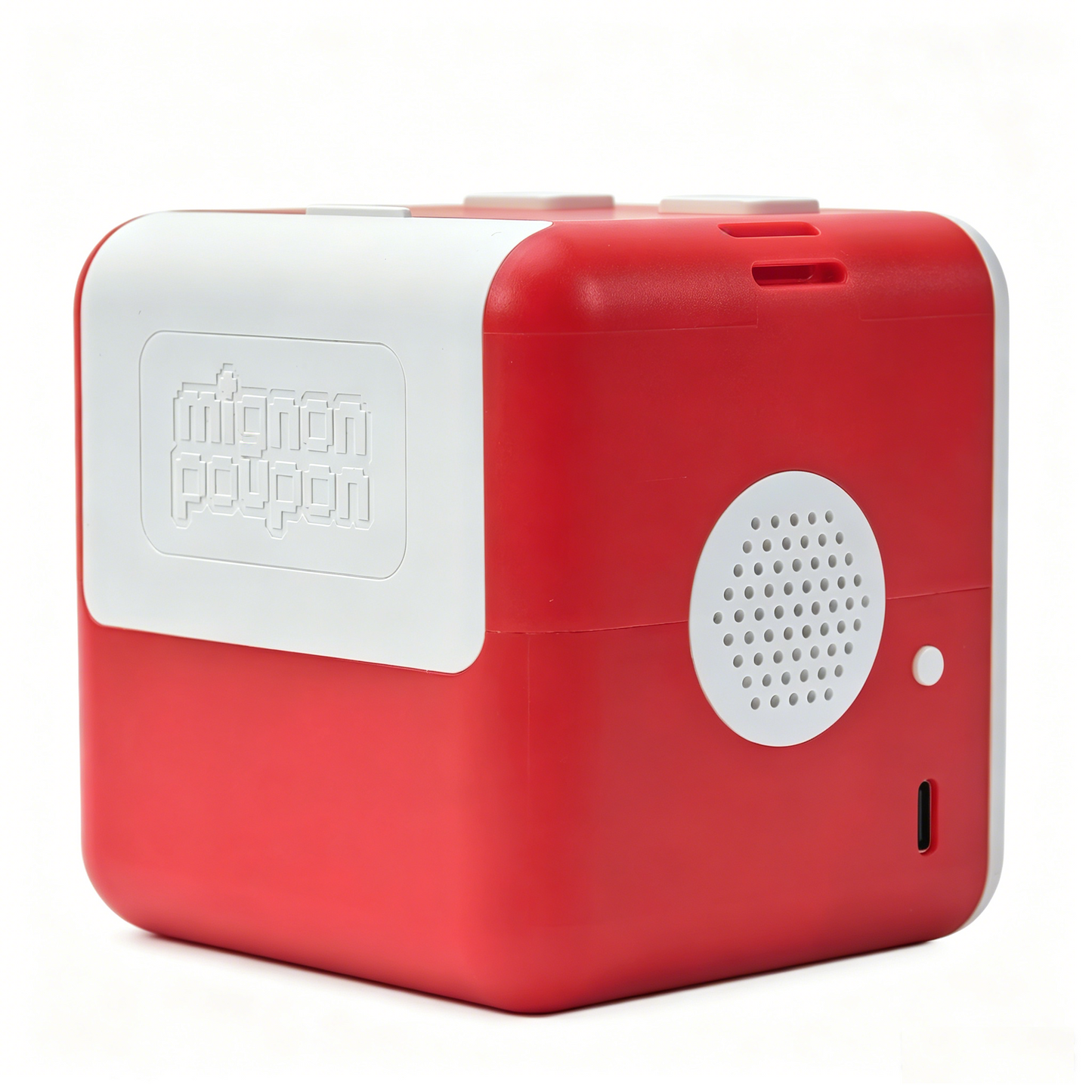
Turn Ideas Into Stickers - Instantly!
Say anything. Watch it become a real sticker you can peel, color, and stick anywhere.
How it works
-
1. Say it
Tell the box what you want - a cute doodle, a mascot, anything.
-
2. Create it
Our AI instantly generates a
clean, printable sticker design. -
3. Print it
Peel, stick, and use it anywhere -
notebooks, laptops, gifts & more.
Watch the magic show
THE REVIEWS
A little box with big fans
-
⭐⭐⭐⭐⭐
So much fun
“My daughter was completely amazed seeing her idea turn into a real sticker in seconds. It instantly became her favorite toy.”
— Emily R.
-
⭐⭐⭐⭐⭐
A creative little obsession
“This is one of the cutest and smartest gifts we’ve bought. The kids keep coming back to it every single day.”
— Sarah L.
-
⭐⭐⭐⭐⭐
So easy to use
“I expected it to be complicated, but it was incredibly simple. Press, speak, and print — even my son figured it out right away.”
— Michael T.
Mignon Poupon AI Voice Printer
(1) Picture/Sentence dual functions (2) Child-Friendly AI Protection (3) Privacy Comes First (4) Made for Hands-On Creativity (5) The Brainstorm and Brainwave Mode
Share

Why kids love it - and parents too
-
Turns Words Into Stickers
Just say it. We create it.
-
Prints in Seconds
When using the Simplified Mode, may take 5-8 seconds.
-
Safe for Kids
Paper Refill Ink-free. BPA/BPS-free.
-
Unlimited Ideas
New creations every time.
Get familiar with AI operation from an early age, growing up as an AI-native.
Stimulate children's creativity, spatial imagination and verbal expression skills.
Cultivate children creation ability and artistic thinking.
Generate text based on voice input, guiding children to learn words in a fun way.
FAQs
What is the Mignon Poupon AI Voice Printer?
The Mignon Poupon AI Voice Printer is a voice-controlled thermal sticker printer designed specifically for children aged 5 and up. Children simply need to voice their ideas—such as "a penguin driving a race car"—and Mignon Poupon box will utilize AI technology to instantly generate and print a unique black-and-white sticker (picture or words depending on which button you press). The entire process is screen-free and ink-free, ensuring a clean, tidy experience with absolutely no mess.
With our trained AI system, each time our machine generates a random art style picture/sentence to bring you a little surprise.
What is the difference between the left and right buttons?
Press and hold the left top button, speak your mind (e.g. "a lovely kitten"), then release the button, the machine will generate and print the picture automatically.
Press and hold the right top button, speak any sentence in your mind (e.g. "Today's joyful"), then release to generate and print the words automatically.
How should I load the paper?
Open the rear paper compartment cover, insert the printing paper roll in the right direction, pull the leading edge of the paper roll slightly out of the paper compartment, then close the cover. Please refer to the guide video for details.
What is the Mignon Poupon app for?
The Mignon Poupon parent companion app helps you set up your machine, scan QR code on paper rolls to increase printing credit, view and reprint your creations, and manage your device.
What is the difference between the Brainstorm and Brainwave mode?
Brainstorm mode supports a wide variety of artistic styles, features more exquisite detailing in both backgrounds and characters, and applies a more complex linguistic logic system; however, it takes more time than Brainwave mode, generally around 14 seconds. On the other hand, Brainwave mode supports rapid response times (5-8 seconds), featuring a simplified art style paired with backgrounds adorned with cute decorative elements.